Microsoft Surface Laptop Ultra: $2,599 MacBook Pro Rival
Microsoft Surface Laptop Ultra: A Reported $2,599 MacBook Pro Rival
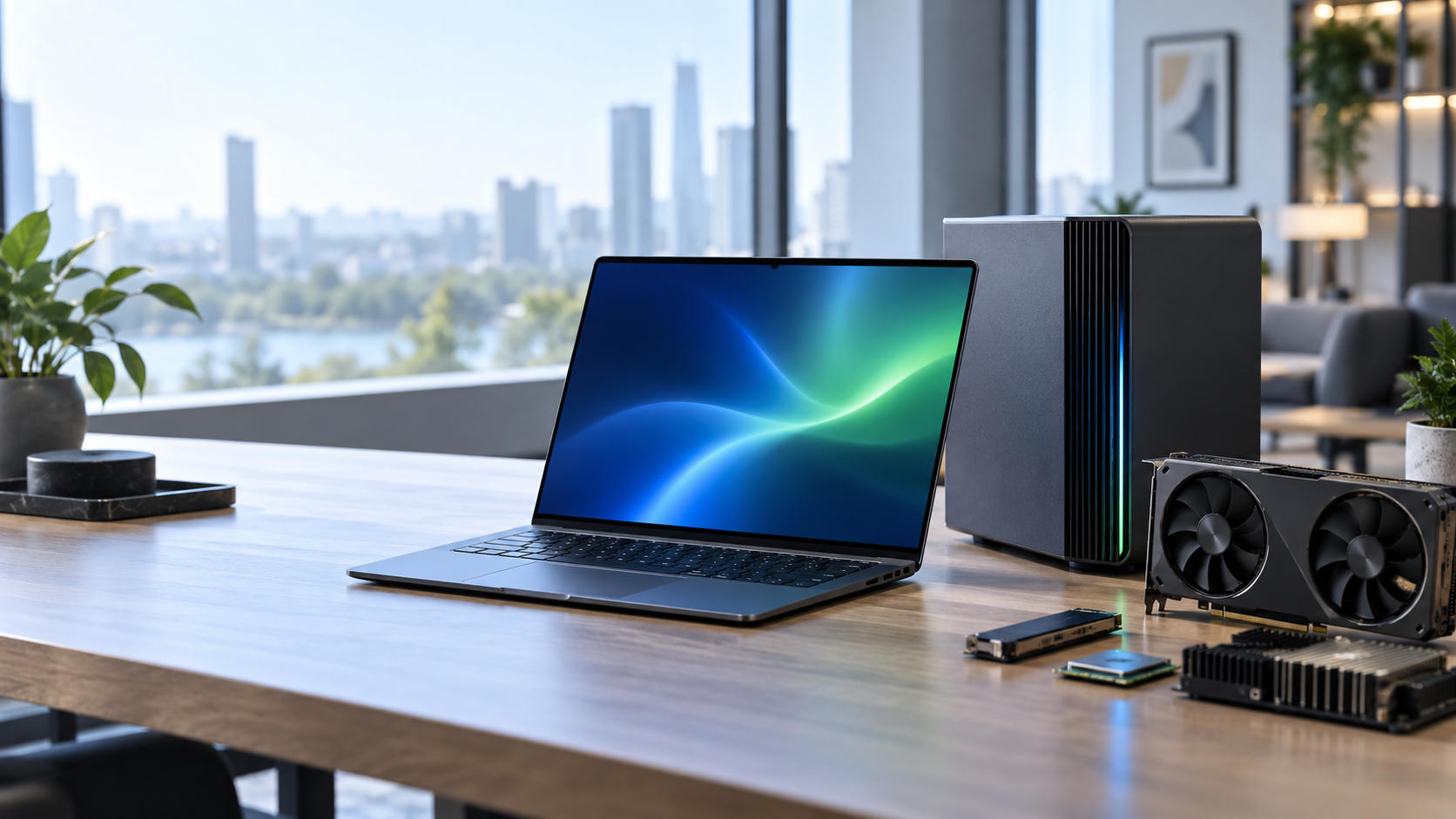
Microsoft has reportedly launched the $2,599 Surface Laptop Ultra, a premium Windows laptop positioned against Apple’s high-end MacBook Pro lineup. Its defining feature is the reported Nvidia AI chip, which could give Microsoft a stronger hardware platform for local artificial intelligence, graphics, and professional workloads.
Reports from MacRumors, CNBC, The Verge, Yahoo Finance, and The Shortcut describe the Surface Laptop Ultra as part of Microsoft’s broader effort to compete in premium hardware and AI computing. The reported starting price places it directly alongside expensive MacBook Pro configurations, where buyers compare performance, battery life, software support, displays, build quality, and ecosystem integration rather than specifications alone.
However, important details—including the processor model, memory, storage, display, battery capacity, availability, and performance—require confirmation through Microsoft’s official documentation and independent testing.
What Is the Surface Laptop Ultra?
The Surface Laptop Ultra is described in the supplied reports as a new flagship addition to Microsoft’s Surface Laptop family. The “Ultra” name suggests a higher-performance model positioned above standard Surface Laptop configurations.
MacRumors reported a $2,599 launch price, while CNBC described the device as an Nvidia-equipped AI laptop. The Verge, Yahoo Finance, and The Shortcut also covered announcements connecting Microsoft and Nvidia.
The available reports do not establish the processor, memory capacity, storage options, display size, resolution, ports, weight, or battery rating. Those specifications should not be treated as confirmed until Microsoft publishes official product information.
The Reported $2,599 Price
The reported Microsoft Surface Laptop Ultra price is $2,599. That puts the device in the same broad premium category as high-end MacBook Pro models.
At this price, buyers will expect more than a fast processor. A premium laptop should offer strong construction, a high-quality display, reliable connectivity, long-term software support, useful AI features, and consistent performance during sustained workloads.
Buyers should confirm whether the reported price applies to:
- The base configuration
- A specific launch model
- A limited regional configuration
- A promotional price
- A model with restricted availability
- A configuration with additional memory or storage
The laptop could be competitive if the price includes substantial memory, fast storage, a capable display, and a powerful Nvidia component. Its value may be weaker if important upgrades or accessories cost extra.
Why Nvidia Matters
The reported Nvidia component gives Microsoft a differentiated hardware strategy. Nvidia has an established position in graphics processing, artificial intelligence acceleration, machine learning, developer tools, and professional computing.
That reputation could attract AI developers, content creators, engineers, researchers, data scientists, and technical professionals who run demanding applications locally. It also separates the Surface Laptop Ultra from conventional productivity laptops by emphasizing graphics and machine learning alongside everyday Windows use.
The exact Nvidia chip will determine its capabilities. A low-power integrated processor, discrete graphics processor, and workstation-class accelerator offer very different levels of performance. Until Microsoft identifies the component and publishes benchmarks, the Nvidia AI chip should be treated as a reported feature rather than proof of a specific performance level.
Potential Benefits of Local AI Processing
Local AI processing allows supported tasks to run on the laptop instead of relying entirely on remote cloud servers. Potential benefits include:
- Lower latency
- Greater functionality without reliable internet access
- More control over sensitive files and data
- Reduced dependence on cloud subscriptions
- Faster responses for repetitive local workflows
Possible use cases include generative AI, image creation, video production, coding assistants, speech recognition, transcription, data analysis, and AI model testing.
The benefits will depend on the Nvidia chip, system memory, drivers, cooling system, software support, and Windows optimization. Applications must also be designed to use the hardware efficiently. An AI accelerator will not automatically improve every AI application.
Independent reviews should examine AI benchmarks, compatibility with major frameworks, Nvidia-optimized applications, sustained performance, fan noise, heat, battery consumption, driver reliability, and performance across common Windows software.
Surface Laptop Ultra vs. MacBook Pro
The reported $2,599 price puts the Surface Laptop Ultra in direct comparison with premium MacBook Pro configurations. Buyers in this segment evaluate the complete platform rather than processor speed alone.
Important factors include:
- Operating system
- Application compatibility
- Performance
- Battery life
- Display quality
- Build quality
- Port selection
- Ecosystem integration
- Repairability
- Upgradeability
- Warranty and support
The Surface Laptop Ultra may appeal to customers who need Windows software, Microsoft 365 integration, enterprise management, or Nvidia-supported applications. The MacBook Pro remains attractive to users committed to macOS, Apple silicon, and Apple’s device ecosystem.
The key technical contrast is straightforward:
| Category | Surface Laptop Ultra | MacBook Pro |
|---|---|---|
| Reported starting price | $2,599 | Varies by model and configuration |
| Operating system | Windows | macOS |
| AI hardware | Reported Nvidia AI chip | Apple silicon neural processing hardware |
| Potential strengths | Nvidia compatibility and Windows software | Efficiency and macOS integration |
| Best potential fit | Windows professionals, AI users, enterprise buyers | Creative professionals and Apple ecosystem users |
| Availability | Confirm through Microsoft | Established product availability |
A fair comparison requires identical applications, similar memory configurations, matching workloads, and consistent testing conditions. Synthetic benchmarks alone cannot determine which laptop is better for every buyer.
Features to Evaluate Before Buying
Performance and Thermal Management
Reviews should test video rendering, 3D workloads, software compilation, AI model execution, large-scale data processing, and multitasking. A premium laptop must maintain performance during sustained workloads rather than only producing strong short-term benchmark results.
Cooling is particularly important in a thin laptop with powerful hardware. Fan noise, surface heat, and performance throttling will affect usability in offices, studios, and meeting rooms.
Display and Design
Microsoft should confirm the display’s size, resolution, refresh rate, brightness, color coverage, and touch support. Reviewers should also assess build quality, keyboard comfort, trackpad accuracy, hinge stability, portability, and chassis rigidity.
Battery Life
Independent tests should separate web browsing, video playback, office productivity, AI workloads, and creative applications. Nvidia hardware may deliver strong performance while consuming more power during demanding tasks, so mobility will depend on Microsoft’s balance of performance, cooling, fan behavior, and battery capacity.
Ports and Accessories
Professional users need to know whether the laptop supports external monitors, storage devices, docks, cameras, and other equipment without frequent adapters. Microsoft should confirm USB-C and USB-A ports, display output, headphone connectivity, docking support, charging, wireless standards, and external-monitor compatibility.
Buyers should also verify whether chargers, docks, pens, adapters, and other accessories are included or sold separately.
Upgradeability and Support
Users should investigate whether the memory or storage can be upgraded. Repair options, replacement parts, warranty coverage, service availability, repair turnaround, firmware updates, and software support will affect the laptop’s long-term value.
Businesses should also review device management, security tools, deployment options, authentication, docking compatibility, and support contracts before adopting the laptop at scale.
Who Should Consider the Surface Laptop Ultra?
AI Developers and Technical Professionals
The laptop may suit machine learning developers, data scientists, software engineers, and technical researchers who need local AI acceleration. Buyers should verify support for their preferred frameworks, drivers, development tools, container environments, and applications. Nvidia branding alone does not guarantee compatibility with every workflow.
Creative Professionals
Video editors, 3D artists, photographers, designers, and music producers may find the reported Nvidia hardware attractive. Results will depend on the specific software, rendering engines, codecs, plug-ins, color workflows, and external displays.
Enterprise Buyers
Organizations that use Windows management tools, Microsoft 365, enterprise security platforms, and Windows-specific applications may benefit from the Surface Laptop Ultra. Enterprise evaluations should cover deployment, security, warranty terms, support coverage, repair turnaround, authentication, and monitor compatibility.
Buyers Who May Prefer the MacBook Pro
The MacBook Pro may be a better fit for existing macOS users, iPhone and iPad owners, professionals who prioritize battery efficiency, and people who depend on macOS-exclusive software.
Switching platforms can create costs involving application licenses, accessories, workflow changes, file compatibility, training, and collaboration. Those costs belong in any comparison.
Advantages and Potential Drawbacks
Reported Advantages
- Premium positioning at a reported $2,599
- Reported Nvidia AI hardware
- Windows compatibility
- Potential local AI acceleration
- Possible support for graphics-intensive workloads
- Strong fit for Microsoft enterprise environments
- Increased competition in the premium laptop market
Questions and Potential Drawbacks
- High purchase price
- Limited confirmed technical specifications
- Unknown battery performance
- Possible power trade-offs from Nvidia hardware
- Unclear AI software optimization
- Unconfirmed thermal behavior
- Potential fan noise
- Possible accessory costs
- Unclear regional availability and configurations
Microsoft’s Broader AI Hardware Strategy
Microsoft’s AI strategy connects Windows, Copilot and other AI services, cloud infrastructure, and dedicated hardware. The Surface Laptop Ultra appears to fit this direction through its reported Nvidia partnership.
Dedicated hardware could improve responsiveness, reduce cloud dependence, and keep some workloads on the device. Nvidia’s developer ecosystem and graphics expertise may also help Microsoft compete beyond conventional productivity laptops.
The practical challenge is proving measurable benefits in everyday applications. Developers must support the platform, drivers must remain stable, and buyers must see value beyond the AI label.
Should You Wait for Reviews?
Buyers who do not need a laptop immediately should wait for independent reviews. Reviews should verify:
- Real-world performance
- AI application support
- Battery life
- Sustained thermal behavior
- Display quality
- Build quality
- Fan noise
- Professional software compatibility
- Warranty and service quality
Before purchasing, confirm the final price, release date, regional availability, warranty, return policy, and included accessories. A $2,599 laptop deserves verified information rather than launch-event claims alone.
Conclusion
Microsoft’s reported $2,599 Surface Laptop Ultra represents a direct challenge to the MacBook Pro’s position in the premium laptop market. Its main differentiator is the reported Nvidia AI chip, which could appeal to Windows professionals, AI developers, creators, and enterprise customers who need Nvidia-compatible tools.
The product’s success will depend on verified performance, battery life, AI software support, thermal management, display quality, and Windows ecosystem advantages. Nvidia hardware could make the laptop distinctive, but software optimization and sustained real-world performance will determine whether that advantage matters.
The MacBook Pro remains a strong alternative for macOS users, Apple ecosystem customers, and professionals who prioritize efficiency and established software integration. The Surface Laptop Ultra could become the stronger choice for Windows users and Nvidia-focused AI professionals.
Because the available reports provide limited technical information, final specifications and launch details should be confirmed through Microsoft and independent testing before publication or purchase.
Frequently Asked Questions
What is the Microsoft Surface Laptop Ultra?
The Surface Laptop Ultra is Microsoft’s reported premium laptop designed to compete with Apple’s MacBook Pro. Available reports describe it as an Nvidia-powered AI laptop, but complete specifications require confirmation from Microsoft.
How much does the Surface Laptop Ultra cost?
The reported price is $2,599. Buyers should confirm whether this amount refers to the base model, a particular configuration, or a launch price.
Does the Surface Laptop Ultra use an Nvidia AI chip?
Multiple supplied reports describe the laptop as featuring an Nvidia AI chip. The chip model, performance, memory configuration, and supported applications remain unverified.
Is the Surface Laptop Ultra better than the MacBook Pro?
Neither laptop is automatically better for every user. The Surface Laptop Ultra may suit Windows users and professionals who need Nvidia-supported AI or graphics applications. The MacBook Pro may suit users who prioritize macOS, Apple ecosystem integration, and battery efficiency.
Who should buy the Surface Laptop Ultra?
Potential buyers include Windows professionals, AI developers, enterprise users, and creators who benefit from Nvidia hardware. Buyers should compare the laptop with their specific software requirements and workloads.
Should buyers wait for independent reviews?
Yes. Independent testing should verify performance, AI compatibility, battery life, cooling, display quality, noise levels, and overall value before buyers commit to the reported $2,599 price.