Microsoft’s Nvidia AI PCs and Revamped Windows 11
Microsoft’s Nvidia AI PCs and Revamped Windows 11
Microsoft is reportedly combining Nvidia-equipped AI PCs with a broader modernization of Windows 11. The strategy links dedicated hardware for artificial intelligence and graphics workloads with operating-system changes intended to make Windows faster, cleaner, and more consistent.
The reports provide broad announcement details but do not confirm exact Nvidia chip models, specifications, prices, release markets, benchmarks, or battery figures. The claims below distinguish reported announcements from expected capabilities and details that still require verification.
What Microsoft Reportedly Announced
Nvidia-Equipped AI PCs
The reported hardware strategy centers on Microsoft AI PCs using Nvidia hardware to accelerate artificial intelligence, graphics, and other demanding workloads. Depending on the configuration, Nvidia hardware could support machine-learning models, image generation, video processing, 3D rendering, gaming, engineering applications, and data visualization.
Nvidia supplies the processing hardware and drivers. Microsoft controls Windows integration and many user-facing features, while application developers determine how effectively their software uses Nvidia acceleration.
The available reports do not confirm:
- Nvidia chip models
- Graphics and AI processor specifications
- Core counts or dedicated graphics memory
- System memory and storage configurations
- Neural processing unit specifications
- Prices or retail availability
- Battery capacity
- Independent performance results
“AI PC” describes a product category, not a standardized performance level. Results depend on the processor, memory, cooling system, drivers, Windows integration, and application support.
Reported Surface Laptop Ultra
One supplied report describes an AI-ready Microsoft Surface Laptop Ultra as part of the company’s hardware direction. It does not confirm the device’s processor, display, memory, storage, battery, ports, price, release date, or sales regions.
Before publication, Microsoft’s official product information should verify the product name, Nvidia hardware, memory and storage options, availability, pricing, warranty terms, and supported Windows AI features.
Hardware and Software as One Strategy
Microsoft’s reported approach combines three layers:
- Hardware: Nvidia processing for AI and graphics workloads.
- Windows: System integration, security, scheduling, and user-facing features.
- Applications: Software that determines how effectively the hardware is used.
A faster processor does not automatically improve every workflow. Applications need compatible drivers, frameworks, model support, and optimization. Windows must also manage system resources without adding excessive background overhead.
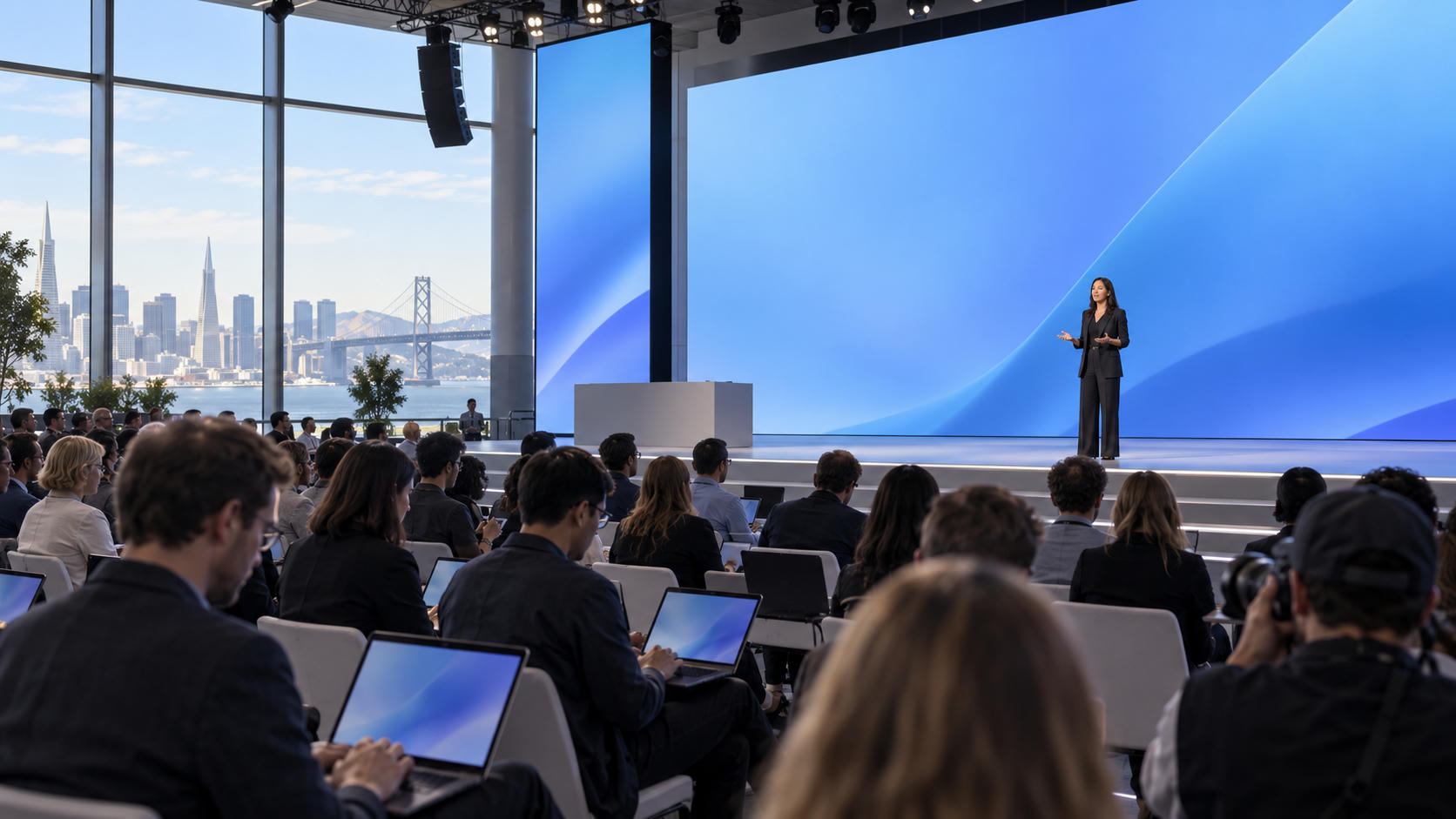
An Engadget event preview discussed Microsoft announcements involving Windows, Surface devices, and artificial intelligence. The preview was published on October 2, 2026, ahead of an October 7 event. This provides event context, not confirmation of every expected announcement. The chronology should be checked against official Microsoft communications.
Why Nvidia Hardware Matters
Local AI Processing
Local AI processing runs compatible tasks on the computer instead of relying entirely on cloud servers. It can reduce dependence on an internet connection, improve responsiveness, and help keep certain information on the device. These benefits depend on the application’s design and privacy settings; Nvidia hardware alone does not guarantee local processing.
Performance depends on the Nvidia chip, graphics memory, system memory, model size, drivers, Windows integration, application compatibility, thermal limits, and power settings. Large models may require more memory than a thin laptop provides, while smaller models may run efficiently with fewer capabilities.
Buyers should ask which AI tasks a specific device can run locally, how quickly it can run them, and whether the task requires cloud connectivity.
Graphics and Creative Workloads
Nvidia-powered Surface devices could benefit users working with:
- Video editing
- 3D rendering
- Image generation
- Game development
- Computer-aided design
- Data visualization
- Engineering simulation
- Professional photography
- Machine-learning development
Performance varies by application. Workloads that scale across graphics cores may benefit more than tasks limited by CPU speed, storage, or software design. Cooling also affects sustained performance. A laptop may reduce speed during long rendering or training sessions to manage heat and power consumption.
No frame-rate, export-time, or rendering claim should be made without independent testing.
AI Performance Is Not Overall PC Performance
Buyers should also evaluate CPU capability, system memory, storage speed, cooling, power limits, driver quality, display quality, application optimization, ports, and battery performance. A PC may perform well in an AI benchmark but feel slow during everyday multitasking if it has insufficient memory or slow storage.
A practical evaluation should:
- Identify the applications and tasks that matter.
- Confirm Nvidia support in those applications.
- Check memory and storage requirements.
- Compare independent benchmarks.
- Review battery, thermal, and fan-noise testing.
- Verify compatibility with displays, peripherals, and existing software.
How Windows 11 Fits the Strategy
Legacy Interface Elements
Microsoft has reportedly announced a Windows 11 modernization effort involving the removal of older Windows 95-era interface elements. The goal is to reduce reliance on legacy components and create a more consistent current interface.
The supplied summary does not identify every affected component. Specific claims should wait for official documentation.
Removing legacy elements could reduce maintenance demands and simplify future development, but older components may support compatibility and familiar business workflows. Organizations that depend on older software should test new Windows builds before broad deployment.
Performance Improvements
Reported Windows 11 priorities include:
- Faster system responsiveness
- Lower background overhead
- More efficient resource management
- Improved startup behavior
- Faster updates
- Better coordination with modern AI hardware
These are areas of focus, not confirmed benchmark results. Performance will vary by device, storage condition, memory capacity, background services, installed applications, drivers, and Windows build.
Independent testing should measure boot times, application launches, multitasking, update behavior, battery life, and sustained workloads after the update becomes available.
Windows AI Features
Windows may support AI PCs through hardware-aware scheduling, AI-assisted system features, developer tools, security controls, Microsoft productivity integration, and driver or model management.
These functions should not be treated as interchangeable. A Windows feature may use Microsoft cloud services rather than the local Nvidia processor. A third-party application may use Nvidia acceleration without relying on a Microsoft AI service. Another function may require a capable neural processing unit instead of a discrete graphics processor.
Availability can depend on the device, region, Windows version, account type, subscription, and application support.
What the Release Means for Users
Everyday Users
Everyday users may notice a more modern interface, improved responsiveness, and new AI-assisted functions. People who mainly browse the web, use office applications, attend video meetings, and manage files may not need Nvidia-level acceleration.
Buyers should compare price, weight, battery life, display quality, and support before paying for performance they may not use. Windows upgraders should check hardware requirements, application compatibility, peripheral support, and recovery options.
Creators and Professionals
Video editors, designers, developers, engineers, and technical professionals may benefit most from Nvidia acceleration. Before buying, they should check application requirements, certified drivers, memory capacity, external-display support, storage expansion, sustained performance, thermal behavior, and peripheral compatibility.
A thin laptop may suit mobile editing and lighter workloads. A workstation-class device may be better for long rendering sessions. The correct choice depends on sustained workload requirements rather than the AI label.
Developers
The devices could encourage hybrid applications that divide workloads between local Nvidia hardware and cloud services. Developers should evaluate local versus cloud inference, model memory requirements, Nvidia software compatibility, Windows AI APIs, privacy controls, deployment policies, and support for integrated and discrete graphics.
Hardware adoption does not automatically create a mature software ecosystem. Applications must be tested across Nvidia systems, integrated graphics, and other supported architectures.
Businesses and IT Teams
Business buyers should evaluate device management, security policies, driver deployment, software certification, data governance, support terms, total cost of ownership, and application compatibility.
A phased rollout is safer:
- Inventory current hardware and software.
- Test the new Windows 11 build.
- Validate Nvidia drivers and business applications.
- Pilot the devices with selected users.
- Expand deployment after security and performance checks.
Benefits and Limitations
Potential benefits include stronger local AI processing, better support for graphics-heavy workloads, a more modern Windows interface, improved responsiveness, closer hardware-software coordination, and more opportunities for developers building local AI applications.
Important limitations remain:
- Complete device specifications are unavailable.
- Pricing and retail availability are unconfirmed.
- Nvidia chip models are unidentified.
- Independent benchmarks are unavailable.
- AI features may require compatible applications or subscriptions.
- Local AI workloads can increase heat and power consumption.
- Legacy software may require testing.
- Real-world performance depends heavily on drivers and optimization.
“AI-ready” does not replace measured testing. Buyers should evaluate verified specifications and actual workloads.
What to Watch Next
The most important forthcoming details include Nvidia chip models, memory and storage configurations, display and chassis specifications, pricing, release markets, warranty terms, support duration, and Windows feature availability.
Independent reviews should test AI inference, video exports, 3D rendering, gaming, multitasking, battery life, fan noise, sustained thermal performance, and local versus cloud-assisted workflows. Short benchmark bursts are insufficient for long creative or professional workloads.
Users should also track the Windows 11 rollout schedule, supported devices, installation requirements, compatibility issues, driver updates, legacy interface changes, and measurable performance.
Source Notes
Source 1 supports the broad report about Microsoft AI PCs with Nvidia hardware and Windows 11 changes.
Source 3 should be used only for the reported Surface Laptop Ultra claim. It provides no technical specifications.
Source 7 provides event-preview context involving Windows, Surface, and artificial intelligence.
Source 9 supports the reported Windows 11 modernization and legacy-interface claims.
Unrelated sources should not be used to substantiate this article. Product names, dates, prices, specifications, and launch details require verification against official Microsoft and Nvidia materials.
Conclusion
Microsoft is positioning Windows 11 as the platform connecting dedicated AI hardware with a more modern desktop experience. Nvidia chips could improve local AI processing, graphics acceleration, and demanding creative workloads, while Windows changes could provide the integration needed to make those capabilities accessible.
The opportunity remains balanced by a significant information gap. Specifications, prices, availability, benchmarks, and battery performance remain unconfirmed. AI benefits will also depend on application support, drivers, memory, cooling, and whether workloads run locally or in the cloud.
Buyers should wait for official specifications and independent testing unless they already need Nvidia acceleration for compatible workloads. Businesses should test applications, drivers, and security policies before deployment. Developers should evaluate Windows tools, Nvidia support, and performance across hardware architectures.
The central question is whether Microsoft’s hardware-and-software strategy delivers measurable real-world benefits beyond the existing AI PC trend.
Frequently Asked Questions
What are Microsoft’s new Nvidia-chip AI PCs?
They are reported Windows devices equipped with Nvidia hardware for artificial intelligence and graphics-intensive workloads. The available reports do not identify every model, chip configuration, price, or release market.
What is the Surface Laptop Ultra?
One supplied report describes it as an AI-ready Microsoft device. Specifications, pricing, availability, and performance remain unconfirmed.
How does Nvidia hardware improve an AI PC?
It can accelerate compatible AI, graphics, rendering, video, and creative workloads. Results depend on the chip, drivers, memory, cooling, application support, and workload.
What is changing in Windows 11?
Microsoft is reportedly removing some legacy Windows 95-era interface elements and prioritizing performance improvements. Exact changes and rollout details require official confirmation.
Will every Windows 11 PC receive the same AI features?
No. Availability can depend on hardware, Windows version, application support, region, account requirements, subscriptions, and local or cloud processing.
Should buyers purchase an Nvidia-powered Microsoft AI PC now?
Buyers should wait for official specifications, pricing, release information, and independent benchmarks unless they already need compatible AI or graphics performance.
Artikel Terkait
-
 Teenage Engineering May Stop Making Synthesizers
-
 Best Prime Day Apple Deals: AirPods, Apple Watch and MacBook
-
 Samsung Galaxy S26 Ultra Reportedly 30% Off at Amazon
-
 Microsoft Surface and Windows Event 2026 Analysis
-
 Why the First AI Gadgets Failed, According to Tony Fadell
-
 Xreal Aura vs. Meta: Can $1,279 Justify the Premium?