Why Googlebook Android App Support May Vary
Why Googlebook Android App Support May Vary
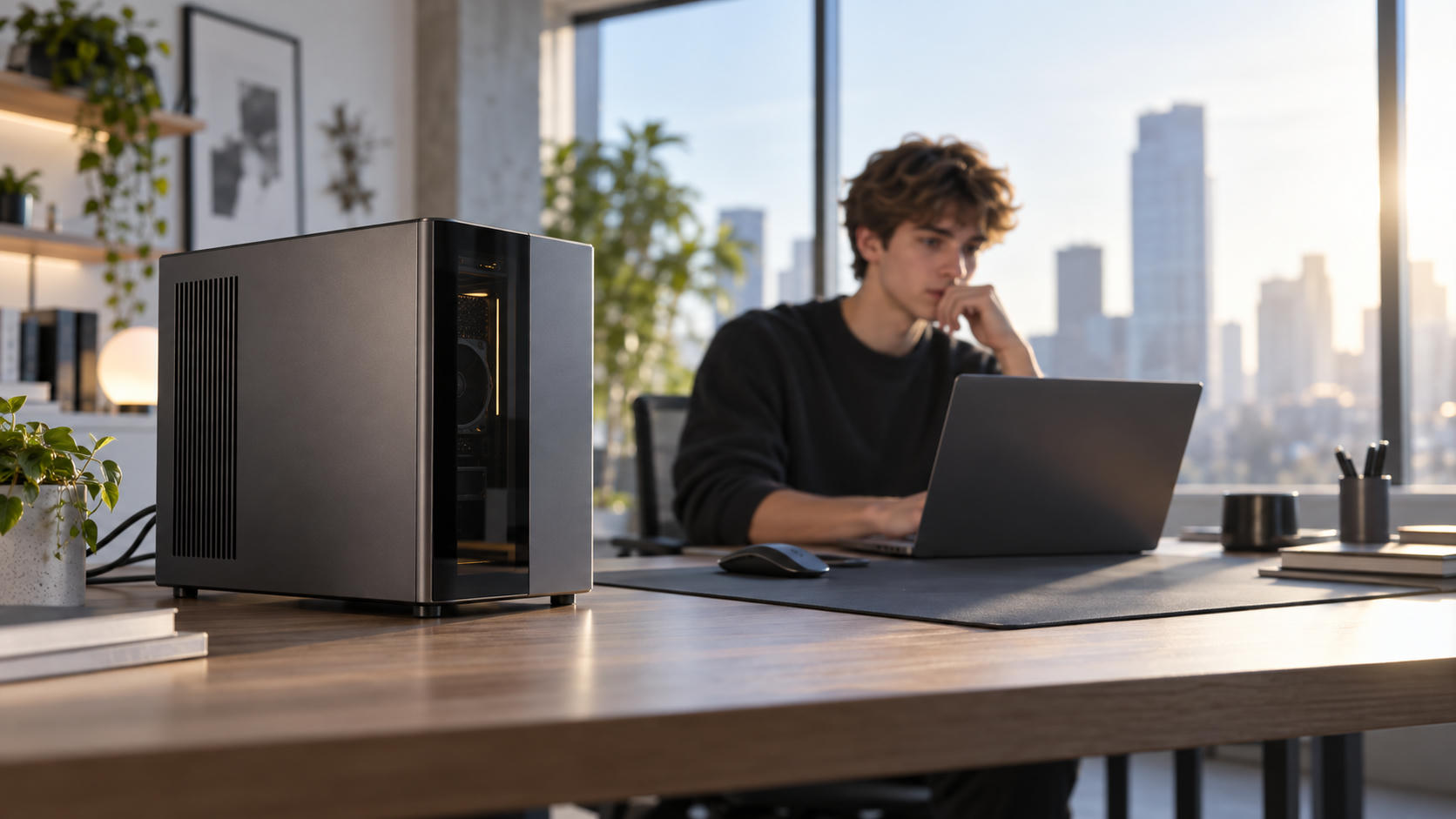
The phrase Googlebook Android app support suggests a new category of Android-focused laptops. However, the available reporting does not establish “Googlebooks” as a confirmed official Google product category. It also does not provide verified specifications, launch details, or a complete list of supported devices.
The broader issue is clear: Android app support can vary across laptop-style devices, even when those devices use Google services or share technology with the Android and ChromeOS ecosystems.
Differences may result from hardware, operating system versions, app developer policies, screen size, input methods, and phone-integration requirements. A device may technically support Android apps while delivering weaker performance or fewer features than another model.
The practical lesson is simple: do not assume that every Google-branded or Android-compatible laptop will provide the same app experience. Check the software version, hardware, app compatibility, update policy, and phone requirements before buying.
What Are “Googlebooks”?
Android-Centered Laptops
The available reporting describes Googlebooks as laptop-style products aimed at Android users. The Verge’s coverage presents them as laptops designed for people who already use Android phones and Google services Source 9.
This positioning suggests a product category combining:
- Laptop-style hardware
- Android applications
- Google account integration
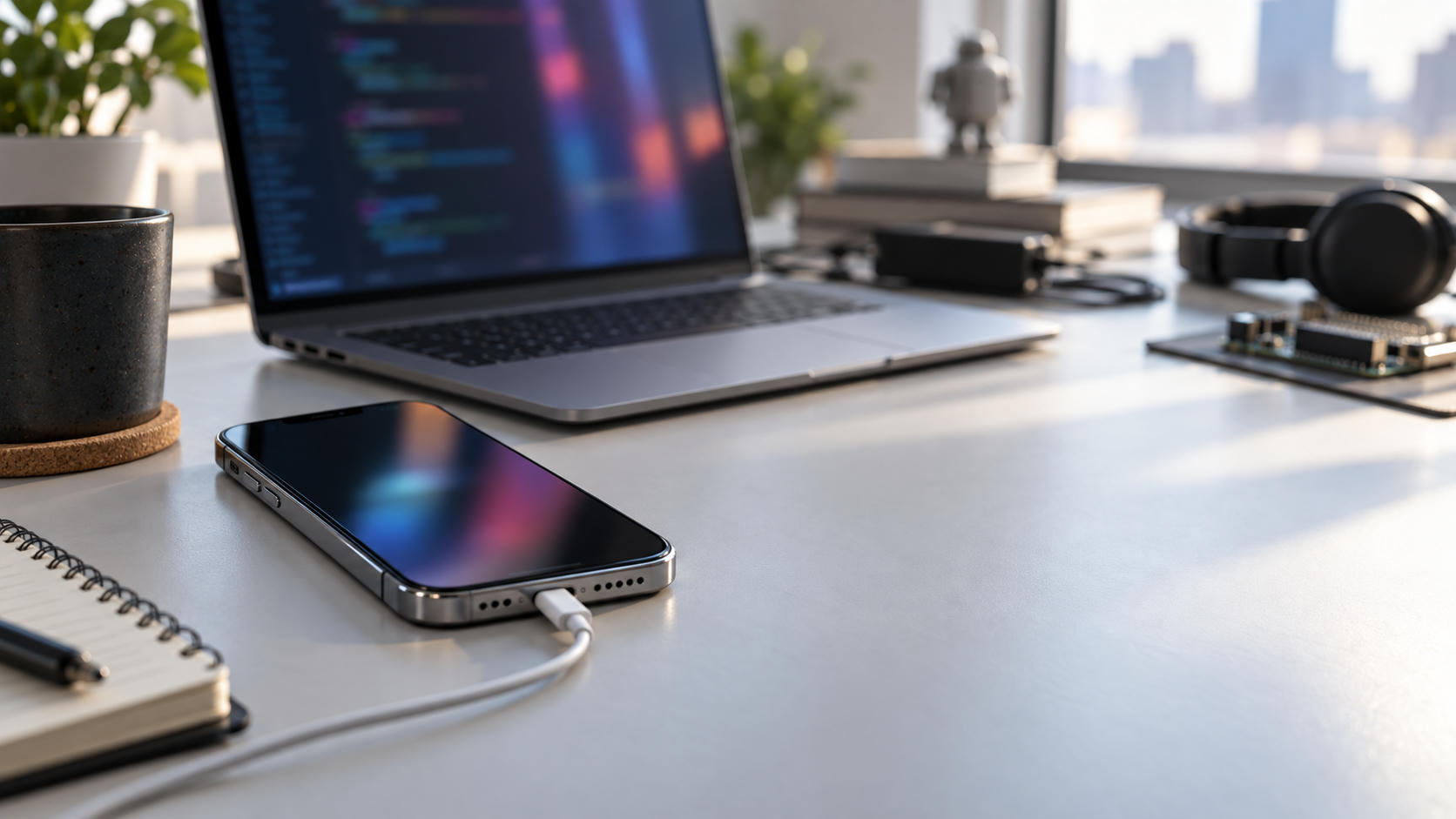
- Compatibility with Android phones
- A keyboard, trackpad, and larger display
- Software designed for multitasking rather than phone-only use
The supplied sources do not confirm whether “Googlebooks” is an official Google product name, an upcoming platform, or shorthand used by publications for Android-oriented laptops. No unverified technical specification should therefore be treated as final.
Googlebooks should also be distinguished from Android phones and tablets. Phones are designed around touch interaction and mobile hardware. Laptops must handle keyboard input, trackpads, resizable windows, external displays, file management, and longer work sessions.
An Android app that works well on a phone may provide a poor laptop experience. It may open in a narrow window, lack keyboard shortcuts, or fail to support standard desktop workflows.
Googlebooks and Chromebooks
Chromebooks traditionally center on ChromeOS, browser-based computing, Google services, and a low-maintenance laptop experience. Many Chromebook models also support Android apps, although support and app quality vary by device.
As described in the supplied coverage, Googlebooks may place Android apps and Android phone integration at the center of the experience instead of treating Android support as one ChromeOS feature. PCMag compares Googlebooks with Chromebooks and questions whether the newer products offer meaningful improvements Source 5.
If Googlebooks become a formal product category, the distinction could involve more than branding:
- Android app installation
- App window behavior
- Android phone continuity
- File sharing between devices
- Keyboard and trackpad optimization
- External display support
- Update policies
- Hardware designed for Android workloads
The distinction may remain unclear as Google brings Android and ChromeOS closer together. A future platform could share components with both systems while retaining different software builds and device requirements.
Android and ChromeOS Convergence
Computerworld’s coverage examines Google’s broader Android and ChromeOS strategy and the possibility of greater platform convergence Source 7.
Convergence could benefit users and developers. Google could share more system components across device types, while developers could receive better tools for building apps that work on phones, tablets, laptops, and large displays. Users could gain more consistent account, notification, file-sharing, and device-continuity features.
Convergence does not mean identical support on every device. A laptop with a slower processor, less memory, or an older system build may still provide a different Android experience from a premium model. Manufacturers may also offer different update schedules and feature sets.
What “Better Android App Support” Means
The phrase better Android app support can describe several different things. App availability is only one part of the equation.
App Availability
An app may be unavailable because:
- The developer supports phones but not laptops.
- The app targets a specific screen size.
- The device does not meet technical requirements.
- The developer blocks installation on certain hardware.
- Regional or account restrictions apply.
- The device uses a software version below the app’s minimum requirement.
A large app catalog does not guarantee that every app works well. An app may be installable but display poorly, lack keyboard support, or omit important functions.
App Performance
Performance depends on the processor, memory, graphics hardware, storage, thermal design, and software optimization.
Two Googlebook models could install the same Android app while delivering different results. One may load quickly and support several open windows. Another may stutter during multitasking or reload apps when memory becomes limited.
Weak optimization can appear as:
- Slow startup
- Delayed touch or mouse response
- Stuttering animations
- Frequent app reloads
- Poor multitasking
- Excessive battery drain
- Fan noise or thermal throttling
An app launching successfully proves only that it can run. It does not prove that it provides a good laptop experience.
Feature Support
An app may be available while specific features remain limited. Potential differences include:
- Resizable windows
- Multi-window use
- Keyboard shortcuts
- Trackpad gestures
- Mouse input
- External monitor support
- Background activity
- File access
- Camera functions
- Stylus input
- Drag-and-drop behavior
These limitations often originate with the app developer rather than Google. A developer may design an app primarily for touchscreens and provide limited support for keyboard-and-trackpad devices.
Long-Term Compatibility
Compatibility can change after a system update, app update, store policy change, or developer decision. An app supported today may later require a newer operating system, while a developer may stop maintaining an older version.
Buyers should evaluate both current support and expected longevity. A laptop that meets today’s requirements may become less useful if it receives limited system updates or lacks a supported upgrade path.
Why Support May Differ Between Googlebooks
Hardware Configurations
Laptop products commonly use different processors, memory capacities, graphics systems, storage options, and cooling designs. These differences affect more than speed.
Hardware can influence:
- Whether an app meets installation requirements
- How quickly it opens
- How many apps can remain active
- Battery life
- Video playback quality
- Gaming performance
- External display capability
- Stability under sustained workloads
An entry-level model may handle email, web browsing, streaming, and lightweight Android apps. A higher-end model may provide a better experience for creative applications, demanding games, large documents, and heavy multitasking.
Price alone does not determine compatibility. A less expensive model may support a particular app, while a premium device may offer better controls or performance. Buyers should compare the requirements of the apps they use.
Android and ChromeOS Builds
Software builds can create support differences even when hardware appears similar. Devices may ship with different Android versions, ChromeOS versions, compatibility layers, feature flags, or update schedules.
A newer build may include better large-screen behavior or improved support for keyboards and external displays. An older build may run the same apps but lack newer integration features.
This issue becomes more important as Android and ChromeOS converge. Shared technology can improve compatibility across product categories, but individual devices may still receive different implementations.
Developer Restrictions
App developers decide which device types their products support. They may approve phones and tablets but exclude laptops, large screens, or specific hardware configurations.
Developers can also provide different interfaces for different categories. A tablet layout may use larger controls, while a laptop version may support resizable windows and keyboard navigation. Some apps offer no dedicated large-screen layout.
Google can provide the operating system and distribution platform, but it cannot guarantee that every third-party developer will optimize an app equally for every device.
Screen Size and Input Methods
Android apps often begin with touch-first design. Laptops introduce different expectations:
- Mouse pointers instead of fingers
- Physical keyboards instead of on-screen keyboards
- Landscape displays instead of portrait screens
- Multiple windows instead of one full-screen app
- Trackpads instead of touch gestures
A Googlebook may offer better support when its software translates these input methods effectively. Poor translation can make buttons difficult to use, hide important controls, or make text-entry workflows inefficient.
Product Tier and Intended Use
Different models may target different users. An entry-level Googlebook could focus on browsing, streaming, schoolwork, and basic productivity. A premium model could target multitasking, creative work, gaming, and external monitors.
This does not mean every premium device supports more apps. It means premium hardware may run supported apps more smoothly and handle more demanding workflows.
The Reported Android 17 Requirement
Android Authority reports that users without an Android 17 phone may miss many Googlebook features Source 3.
This should be treated as a reported limitation, not a confirmed universal Google specification. The supplied material does not include an official Google requirements page or a complete list of affected models and functions.
The broader concept is familiar: some laptop features depend on a compatible phone. Possible categories include:
- Device setup
- Notifications
- Cross-device services
- File or content sharing
- Account continuity
- Phone-based authentication
- Companion-device controls
A user without a compatible Android phone may still be able to perform core laptop tasks. The missing functions may be ecosystem features rather than basic computing capabilities.
The impact would depend on the specific model, the phone’s Android version, the feature being used, and Google’s compatibility policy. Users should confirm requirements through official product documentation before buying.
iPhone users should also verify whether phone-dependent features work with iOS. Android-first products may offer their strongest integration to people who already use supported Android phones.
Googlebooks Versus Chromebooks
Googlebooks May Suit Android-First Users
Android phone owners may value a laptop that emphasizes:
- Shared Google accounts
- Familiar Android applications
- Cross-device workflows
- Phone notifications
- File sharing
- Android accessories
- Consistent Google services
This is the central appeal suggested by The Verge’s description of Googlebooks as laptops designed for Android users Source 9.
Chromebooks May Offer a Simpler Laptop Experience
Chromebooks remain useful for people who prioritize:
- Browser-based applications
- Easy administration
- Low-maintenance updates
- Web documents and email
- Education deployments
- Business management
- Straightforward laptop workflows
A Chromebook may be the better choice for users whose work happens primarily in web applications. A Googlebook may appeal more to users who depend on Android apps or phone-connected features.
Neither platform is automatically better. The decision depends on the applications, devices, and workflows involved.
App Quality Matters More Than App Count
A large Android app library does not guarantee:
- Reliable keyboard input
- Proper window resizing
- Good trackpad support
- Stable performance
- External monitor compatibility
- Long-term updates
Evaluate the apps you actually use. A platform with fewer officially supported apps may be more useful if it handles your essential applications well.
How to Check Support Before Buying
Confirm the Operating System and Updates
Check the device’s operating system version, update schedule, and support policy. Look for requirements involving Android 17 or a newer phone operating system, but confirm them through official documentation.
Check Essential Apps Directly
Search for your most important apps in the relevant store. Check whether they support:
- Phones
- Tablets
- Large screens
- Laptops
- ChromeOS
- Keyboard and mouse input
Read developer documentation when available. Store availability alone does not confirm full functionality.
Compare Hardware
Review the processor, RAM, storage, display, battery, ports, and graphics capabilities. Match the hardware to your workload rather than choosing based only on the product name.
Test Laptop Controls
Look for hands-on reviews that test real Android applications. Verify support for:
- Resizable windows
- Keyboard shortcuts
- Mouse input
- Split-screen use
- Drag and drop
- External displays
- File access
Productivity and creative applications require more testing than simple streaming apps.
Check Phone Compatibility
Confirm whether the product requires a paired Android phone. Check the minimum Android version and determine whether iPhone users lose important functions.
Also establish whether phone-dependent features are optional conveniences or central to the product’s main experience.
What This Means for Buyers
Android app support is becoming layered. Buyers must consider:
- Hardware compatibility
- Operating system compatibility
- App installation support
- Feature-level compatibility
- Phone ecosystem compatibility
- Long-term update support
This explains why two devices can both “support Android apps” while providing different experiences.
Googlebooks may reward users who already use Android phones, Google accounts, and Google services. The same ecosystem focus could reduce functionality for people with older phones or different mobile platforms.
Focus on workflows rather than marketing claims. Consider email, documents, video calls, streaming, gaming, photo editing, file management, school applications, and business software. The best device is the one that handles those tasks reliably.
Conclusion
Googlebook Android app support may vary because of hardware, operating system versions, developer decisions, screen design, input methods, and phone compatibility.
The reported Android 17 requirement suggests that some ecosystem features may depend on a newer Android phone, although the available material does not establish a universal requirement or official product specification. Google’s Android and ChromeOS convergence could improve cross-device integration while also creating more complicated compatibility rules.
Before buying, verify:
- Operating system requirements
- Update policy
- Essential app availability
- Hardware specifications
- Keyboard and trackpad behavior
- External display support
- Phone compatibility
- Android version requirements
The best Googlebook is not necessarily the model with the broadest app catalog or strongest marketing. It is the model that supports the user’s actual applications, phone, accessories, and daily workflow.
Frequently Asked Questions
Do all Googlebooks support Android apps in the same way?
No confirmed universal Googlebook specification is available in the supplied coverage. In general, Android app support can vary by hardware, operating system version, developer restrictions, and device features.
Why might one Googlebook run an Android app better than another?
Performance can differ because of the processor, RAM, graphics hardware, storage, thermal design, and software build. An app may also be optimized for one screen size or device category more effectively than another.
Do Googlebook features require an Android 17 phone?
Android Authority reports that users without an Android 17 phone may miss some Googlebook features Source 3. Buyers should confirm the exact requirements for each model and feature.
Are Googlebooks replacing Chromebooks?
The available coverage does not establish that Googlebooks will replace Chromebooks. The products may represent a closer connection between Android and ChromeOS while serving different users and workflows.
Are all Android apps suitable for a Googlebook laptop?
No. Some apps are designed primarily for touchscreens or phones and may offer limited keyboard, trackpad, window, or external-display support on a laptop-sized device.
How can buyers check Googlebook app compatibility?
Search for essential apps in the relevant app store, review developer requirements, confirm the operating system version, compare hardware, read hands-on reviews, and verify whether a compatible Android phone is required.